
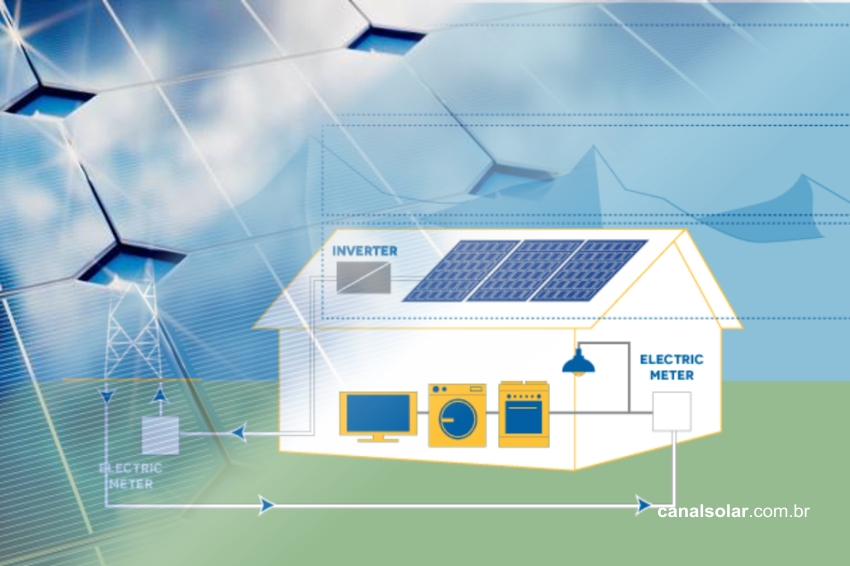
PVSyst is the most complete and accurate photovoltaic design software on the market. In this short tutorial we will show you how to install the free trial version of the software.
To download the software, access the Download tab on the website www.pvsyst.com, or click directly on this link https://www.pvsyst.com/download-pvsyst.
Click on the “Download PVSYST 6.8.3” button. The number in the button text indicates which version of the software is available for download.

This action will start the download on your computer. Once the transfer is complete, click on the downloaded software installer.
The screen below will open. To continue the installation, click “Next”.

Then the screen below will appear.

On this screen, select the option “I accept the terms in the License Agreement” and click “Next”.
The screen below will then appear.

By default PVSyst will be installed in the C:/Program Files (x86)/PVSyst folder. If there is a need to change the installation location, click “Change” and select the new location. To continue the installation, click “Next”. Then the screen below will appear.

Click “Install” to continue the installation. At this point, the operating system will ask if you want to continue with the installation. Click “Yes”. The software will be installed.

The software will continue installing. Wait until the end.

After installation, the screen below will appear. Click “Finish” to finish.

To test whether the installation went smoothly, open the installed program using the shortcut created on the desktop.






Comments
Comments are moderated before publication.Comments should be respectful and contribute to a healthy debate. Offensive comments may be removed. The opinions expressed here are those of the authors and do not necessarily reflect the views of the author. Canal Solar.